

Study these two outlines of a technology planning process before joining a group discussion about them. As you study them, make notes of the process and the strengths and weaknesses of that process:

- Return to the lesson’s group discussion that you joined in the previous activity.
- Comment on the two plans and state, giving reasons, which process you prefer.
- Itemise what you think are the most important priorities when developing a School Technology Plan.
In this course we will develop a School Technology Plan (note the Title Case of the name in order to avoid future confusion with technology planning). This will consist of two components:
- e-Learning planning
- this is a consideration of the range of pedagogical approaches and technology resources that can support them with a view to enhancing the quality of teaching and learning experiences through the integration of technology.
- Technology planning
- This is a consideration of the infrastructure and technology resources that will be required to help make the e-learning goals achievable. Of course, it will take more than just technology to make these e-learning goals achievable.
Open this image which shows how this course is structured in relation to the more preferable planning process of the two options which you recently discussed.
In order to establish what you have, you should conduct assessments of your e-learning and technology capabilities at your school. You have already briefly considered your e-potential.
 Use the Victoria Department of Education and Early Childhood Development’s e-learning planning template as a starter document for assessing your e-learning status, but feel free to edit it and design your own assessment and planning tools in order to take stock of your school’s e-learning situation.
Microsoft Word document A4 format
PDF document format
Microsoft Word document A3 format
If you are using one of the above documents, you would at this stage complete the Current Status column.
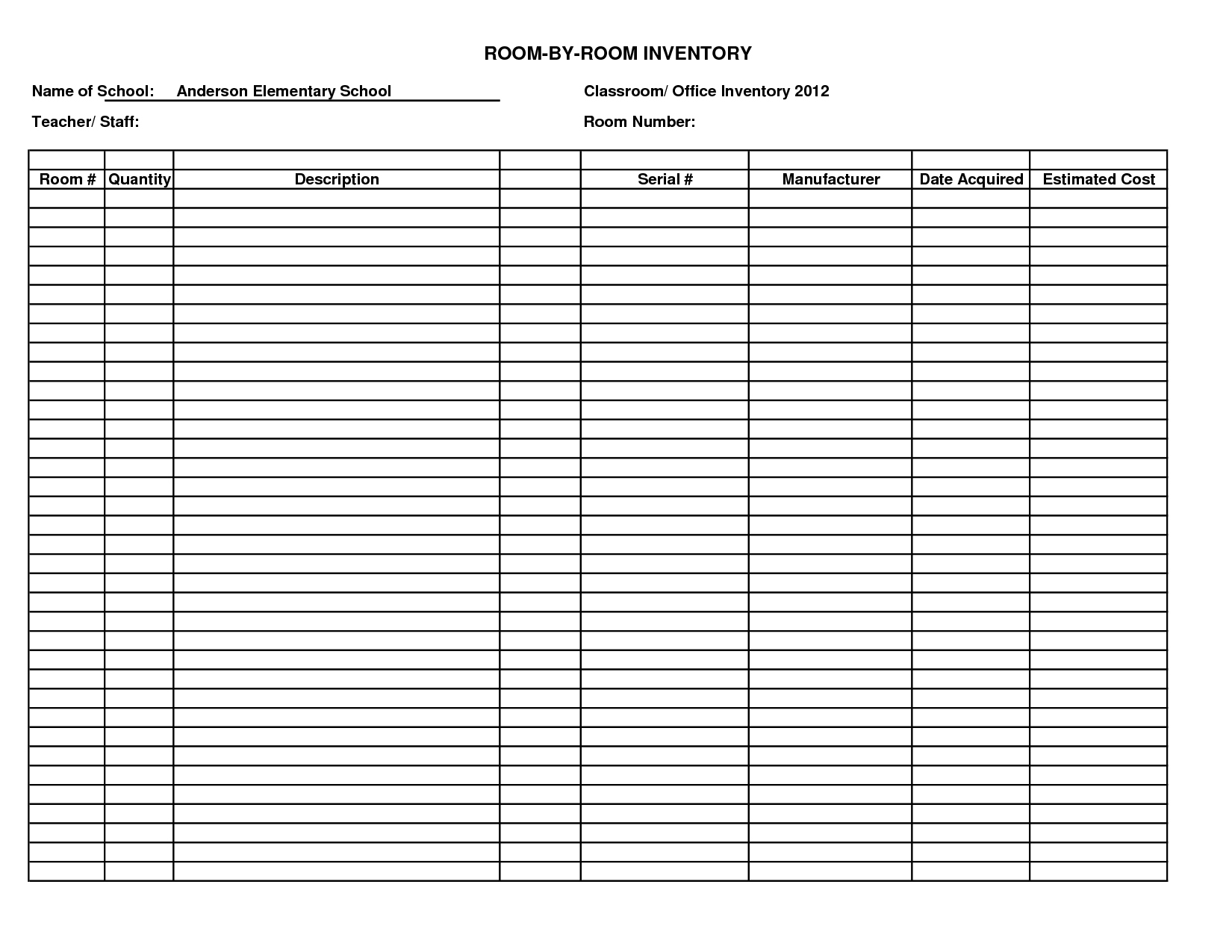
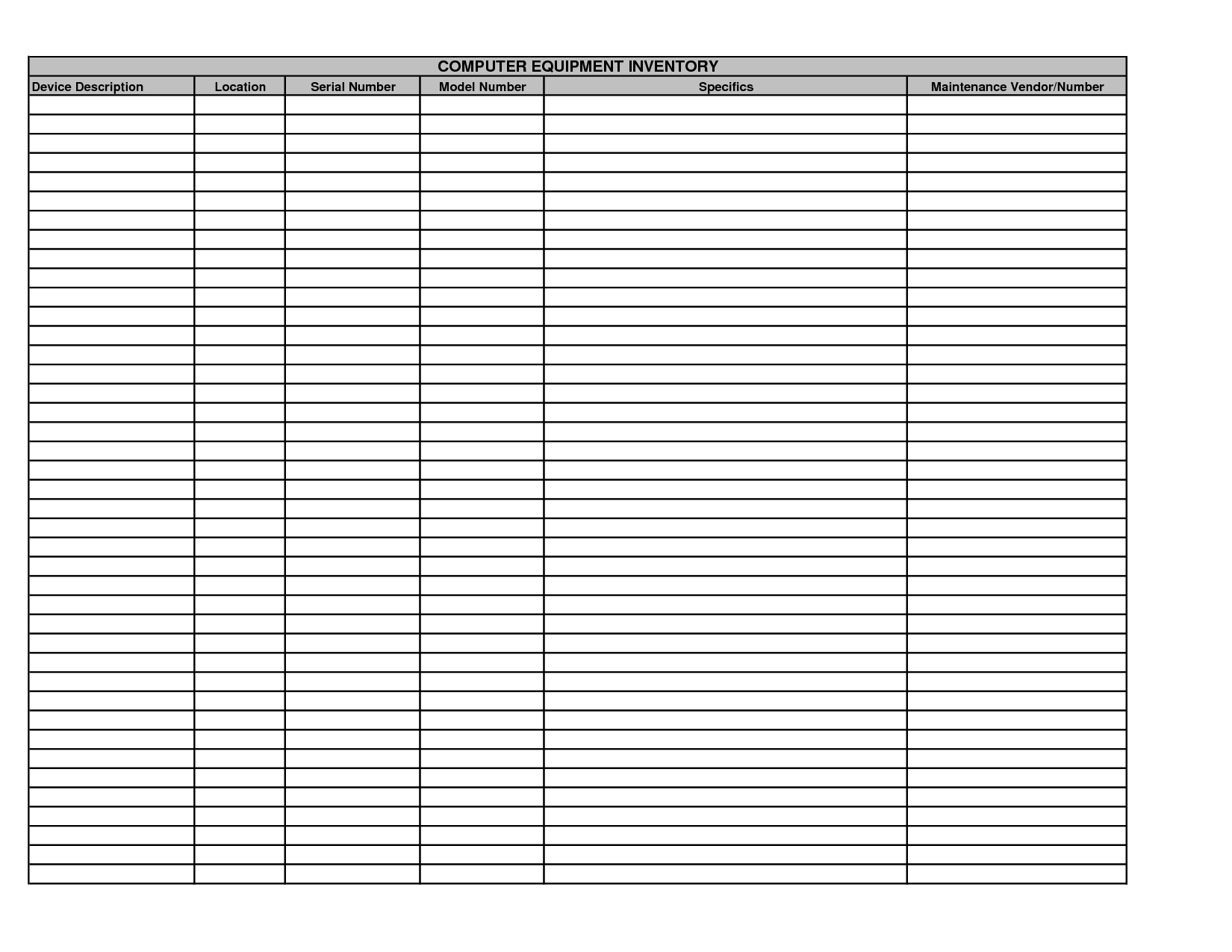
Similarly, you will find that consulting or creating your inventory of technology in the school will be a useful exercise at this time. Create your own document which should include basic information in tabular form, such as:
- technology description
- number available?
- where available?
- who accesses it?
- status – age and functionality, condition
- a brief overall summary of what is possible with current resources
Here are two image examples (click on an image for a larger version):
 |
 |
 Submit your current e-learning assessment and ICT inventory to your tutor for possible feedback.
